Stream tech support barely exists as a real service. If your PC dies, there is a repair shop in every strip mall. But if OBS starts dropping frames on the one night your friends finally show up to raid you, who exactly do you call? The repair shop has never opened OBS. The forum thread is four years old. Chat says it looks fine while the VOD stutters.
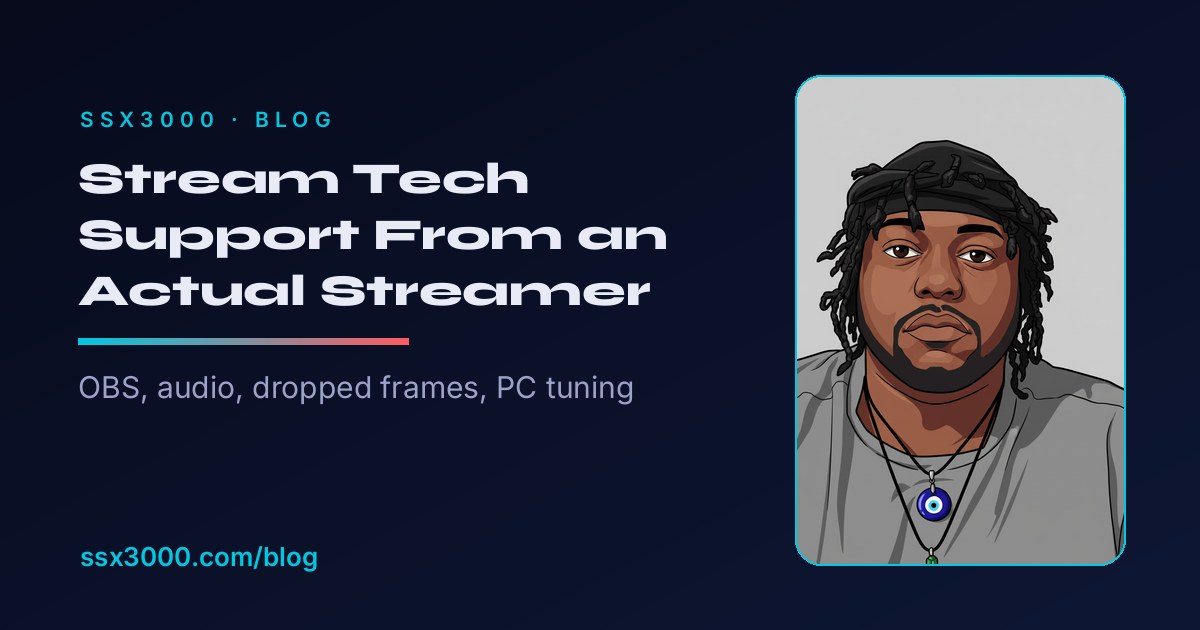
I stream as ssx3000, live on Twitch since 2015, three days a week around a full time job. The rest of the week I do IT work, keeping servers alive for other people. By day I am a Technical Customer Support Engineer II at Exclaimer, coming up on five years this September, which means I spend my working hours troubleshooting email signatures for other people, and I run Nova Grid Hosting on the side as owner and founder. So yes, I keep other people online all day and then come home and find new ways to break my own overlays.
So I finally put the two halves of my week together into real stream tech support. My new Tech Help page is live: flat price stream fix sessions, full OBS builds, and PC tuning, remote anywhere in the US. This post is the honest version of what it is, what it costs, and who should skip it.
Why a Streamer Is Doing Tech Support
The line on the new page sums it up: Geek Squad fixes computers. I fix streams. That gap is exactly why stream tech support has to be its own thing. A stream is not one computer problem. It is OBS, an encoder, a bitrate, an audio chain, a network, overlays, alerts, a chatbot, and Windows itself, all failing live in front of an audience. General tech support treats those as nine separate tickets. A streamer treats them as Tuesday.
The page exists because this stuff keeps breaking on my own desk first. Back in 2024 I was upgrading my PC with a new power supply, and I did not notice a loose wire on the motherboard that fried two SSDs, one of which held my whole streaming setup. That one was not a twenty minute fix. I was off my desktop from July 2024 all the way to March 2025.
There is a practical reason the free favors turned into paid stream tech support too. Between the day job, running Nova Grid Hosting, and a school semester starting soon, my calendar has gotten a lot tighter. A handful of people also leaned on that a little too hard, coming back again and again for help without any thought to compensating me for the hours and the work. Charging a flat price is how I keep doing this without burning out, and it is fairer to everyone who wants a serious fix.
Some of that homework has already leaked onto this blog. The Battlefield 6 settings guide exists because I fought the one PC encoder battle myself, and the RE20 review exists because my GoXLR audio chain took real effort to get right. The new page is the same knowledge, pointed at your setup instead of mine.
The Menu, in Plain Numbers
Four packages, flat prices, no contracts. As of July 2026 the menu looks like this, and the Tech Help page always has the current version, so that page wins if this post ever goes stale.
- Stream Fix Session, 99 dollars one time. One problem, fixed live on a Discord call, up to 90 minutes. Dropped frames, encoder overload, audio sync, alerts that stopped firing. Ends with a written recap so the fix survives the next update.
- Full Stream Setup, 299 dollars one time. A complete OBS or Streamlabs build from scratch: scenes, overlays, alerts, chatbot, encoder and audio tuned to your actual hardware, and a live test stream together before we call it done.
- Setup plus Hardware and PC Tuning, 449 dollars one time. Everything above, plus GoXLR, RODECaster or Wave routing, a Stream Deck that earns its desk space, a Windows optimization pass, and two weeks of follow-up.
- Stream Support Plan, 49 dollars a month. One remote session a month, priority Discord response, and a tech check before your big streams. Month to month, capped at ten members so it stays personal, and it starts after any one time package.
If none of those fit, hourly exists too: 75 dollars an hour remote, or 125 in person around Miami. Most problems fit inside a Fix Session, and the packages are the better deal.
How a Session Actually Works
- Reach out. Grab a package on the page, email me, or ping the Discord. Tell me what is broken, or what you are trying to build.
- We get on a call. We book an evening or weekend slot, US Eastern, and hop on Discord. Screen share or remote in, your choice, and you watch every change I make.
- You go live. Setups end with a real test stream, and every job ends with a written recap of what changed and why.
The evenings and weekends part is not a bug. I have a day job, the same as most of the streamers I want to help, which conveniently means I am free for stream tech support exactly when streamers actually stream.
Who Should Not Buy This
My gear reviews always get an honesty section, and a stream tech support post deserves the same one. Be honest about which line you are standing in.
- You enjoy the tinkering. For some people the plumbing is half the hobby. If that is you, the settings guide is free and covers the whole one PC encoder fight. Take the free version.
- You have not streamed once yet. Go live messy first, even to zero viewers. A schedule you can stick to grows a channel faster than a perfect scene collection ever will.
- You are outside the US. Live remote sessions across nine time zones do not mix with an evenings and weekends calendar. Discord questions are still welcome, and nobody gets billed for a question.
- Your real problem is the hardware budget. No tuning pass turns a 2014 laptop into a streaming PC. I would rather tell you that up front than sell you a session.
Stream Tech Support, the Honest Version
I spent a week in Texas helping SrslyBritt rebuild her streaming rig, mostly from my own older parts after I swapped out my motherboard and CPU, and got an NVIDIA RTX 5070 into her setup in 2025. Being in the room with the machine, the whole thing came together fast, which is exactly why seeing the settings beats guessing at them over a forum thread.
That is the whole pitch. Good stream tech support is not mysterious, and most stream problems are not either. They are three wrong settings hiding in menus you have no reason to know exist, and twenty minutes with someone who has seen it before beats another weekend of forum archaeology.
The free version of me is not going anywhere. The blog stays free, and the Discord stays open. When you want stream tech support done with you, live, on your machine, that is what the Tech Help page is for. And if you want to see whether my own stream holds up before trusting me with yours, I am on Twitch Fridays, Saturdays, and Sundays. Fair warning: if something breaks live, you get to watch me take my own medicine.
Leave a Reply